Publish to the Hub
You can distribute reports to the Qalyptus Hub. The Hub allows users to view, download, and subscribe to the reports they are entitled to access.
Publish Reports to the Hub
- Go to Tasks and open the desired task.
- Go to the Reports tab.
- Edit the report you want to distribute.
- Navigate to the Hub tab.
- Enable Publish to Qalyptus Hub.
- Enter the maximum number of file occurrences to retain.
- Enter
0to keep all versions. - For example, entering
5keeps only the last 5 versions of each file, older versions are automatically deleted.
- Enter
- Click Save.
When the task runs, the generated files appear in the Hub under the Report files page.
Hub Visibility
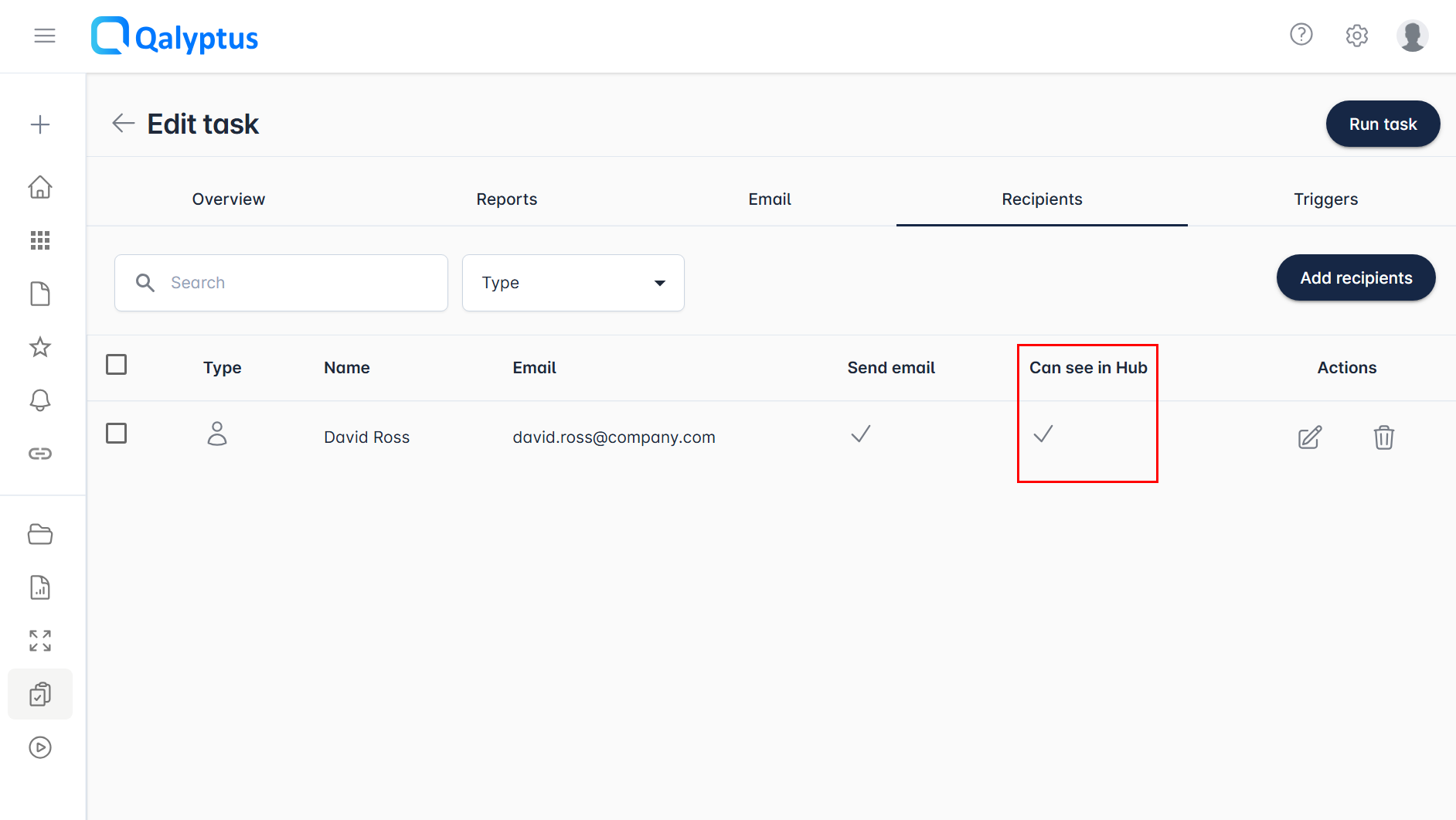
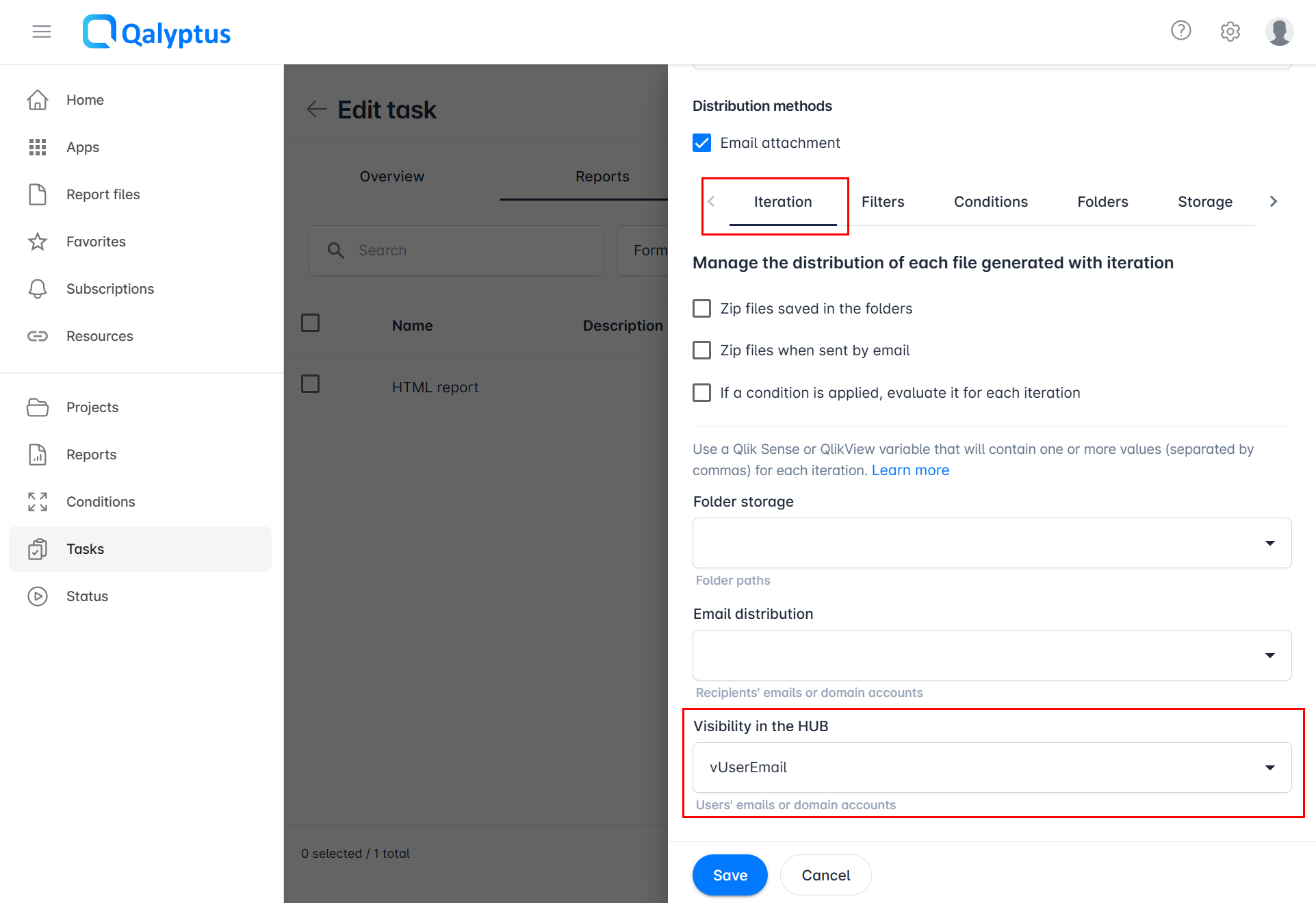
Files in the Hub are only visible to users who have the See in the Hub permission. This permission can be granted in two ways:
- Standard recipients: Go to Task > Recipients tab and assign the permission when adding recipients.
- Iteration reports with dynamic recipients: Go to Task > Reports > Iteration and set the Visibility in the Hub field using a Qlik Sense variable that returns the list of authorized recipients.
note
Users without the See in the Hub permission will not see the report in the Hub, even if they are task recipients.