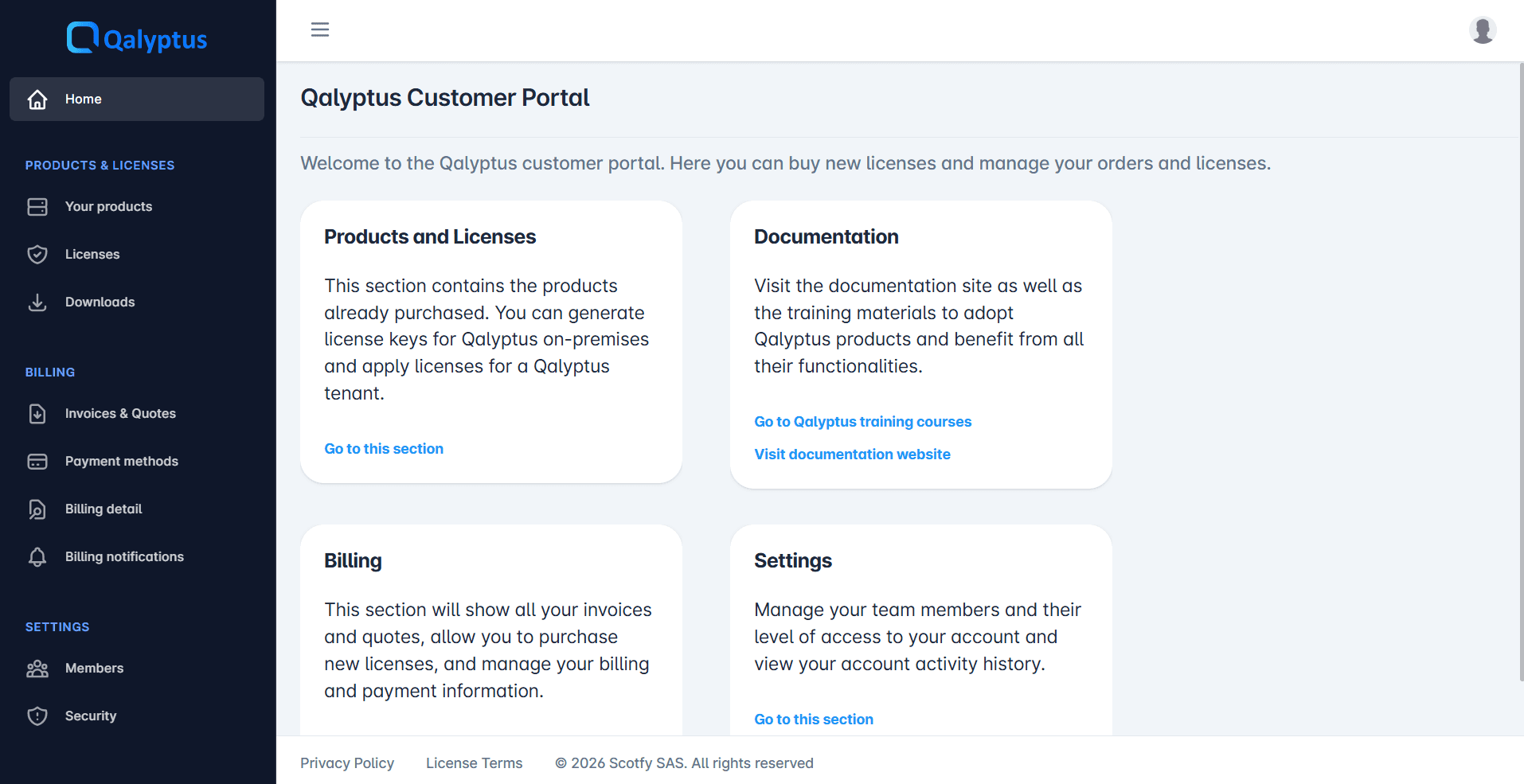
Access the Customer Portal
Create your access and sign in to the Customer Portal after your purchase
After your purchase from Buy Qalyptus, you receive an access email that lets you sign in to the Customer Portal for the first time.
1. Receive the access email
Once your order is confirmed — the Billing details form filled in and the payment option chosen — an email is sent to the address you entered in the Email field of the billing form.
This email contains the link to open the Customer Portal sign-in page.
2. Sign in
In the email, click the access link. The Customer Portal sign-in page opens.
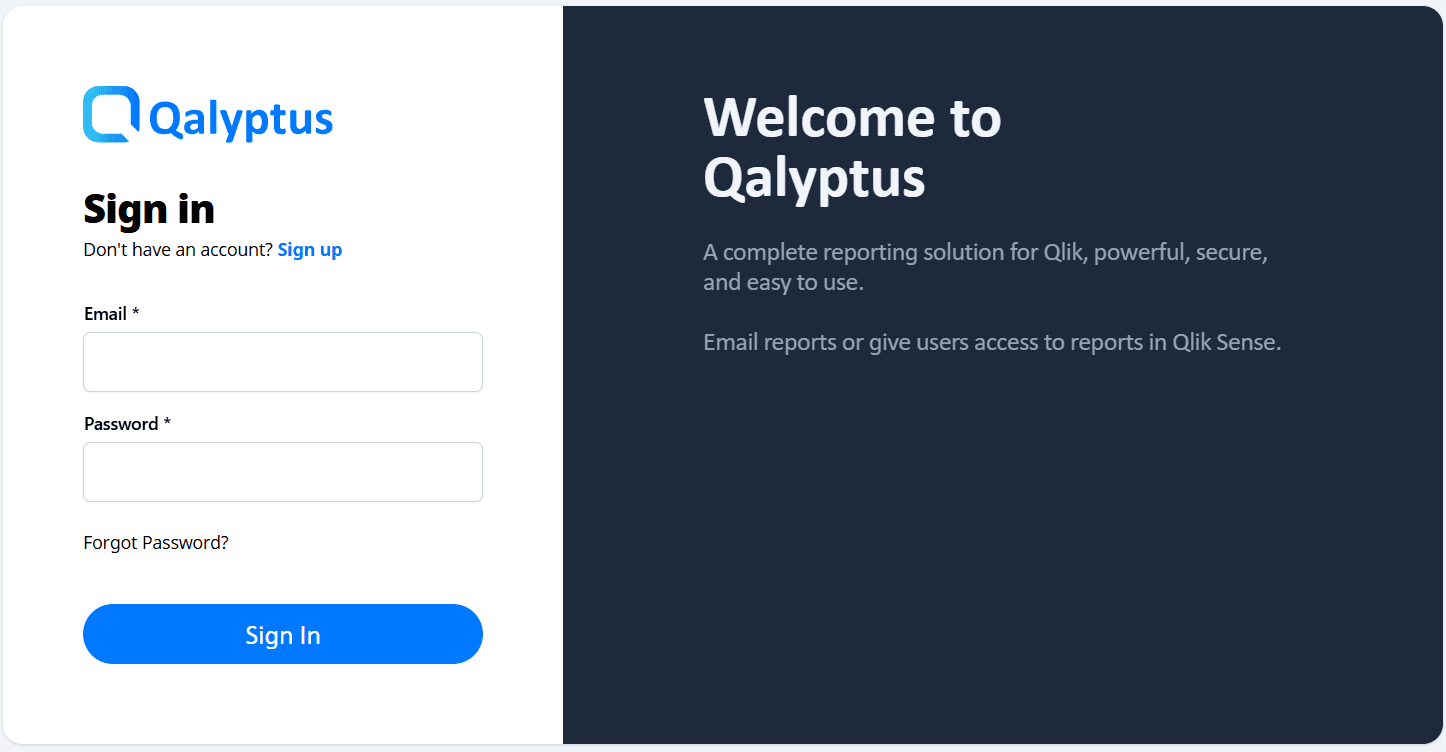
Enter your email — the one used during the purchase — and your password, then submit.
- First sign-in: follow the instructions in the access email to set your password.
- Forgot password: use the reset link on the sign-in page to receive a new one by email.
After signing in
You land in your Customer Portal space, where you can manage your licenses, products and downloads.