Buy licenses
Buy your Qalyptus licenses from the Qalyptus webstore at buy.qalyptus.com
Before managing your licenses in the Customer Portal, you buy them from Buy Qalyptus.
Required licenses
The licenses you need depend on how you deploy Qalyptus:
- Self-hosted — requires at least one Qalyptus Desktop license.
- Qalyptus-hosted — requires at least one Creator license and one Qalyptus Cloud Business license.
Purchase steps
-
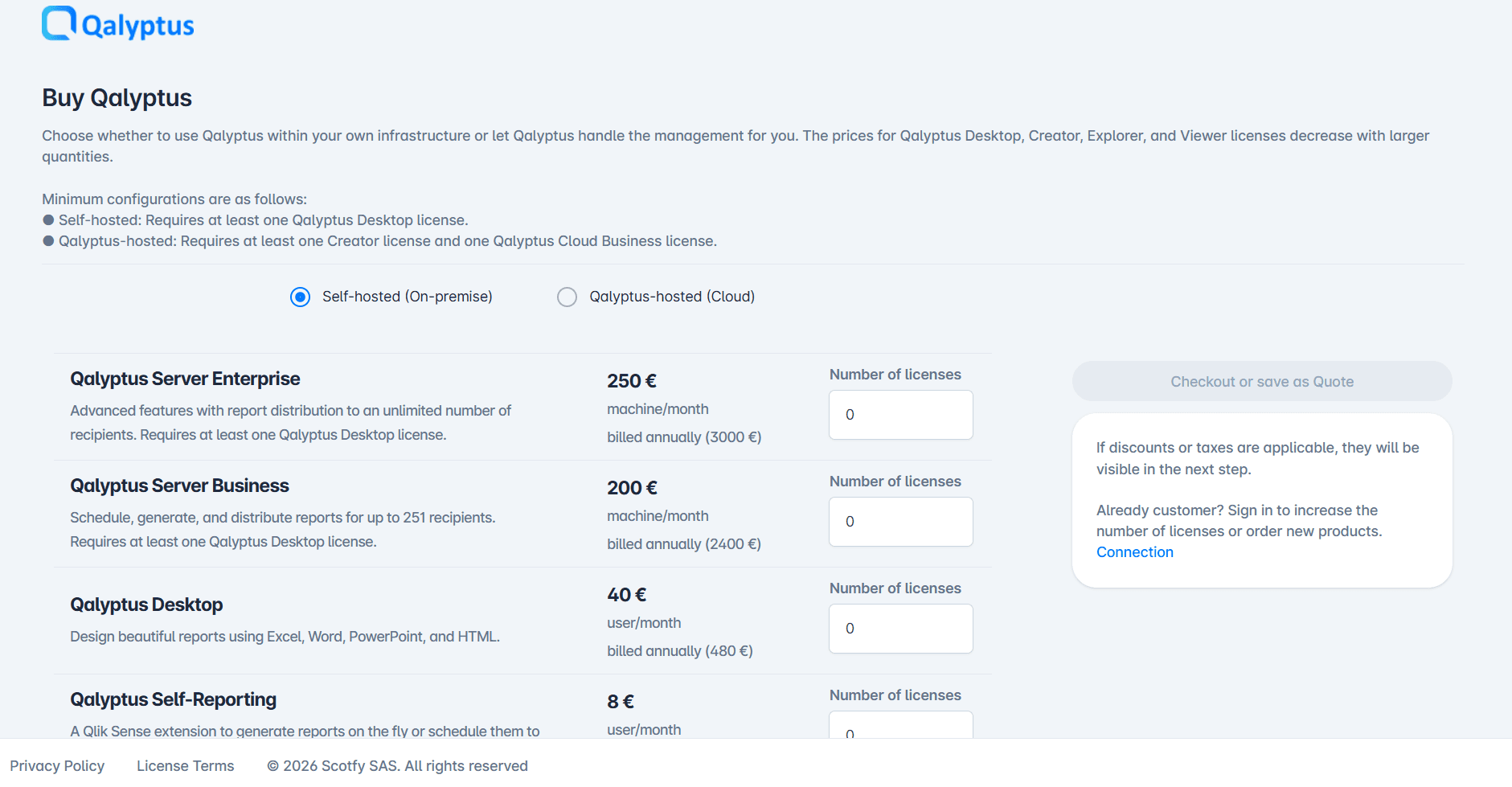
Open the Buy Qalyptus webstore.
-
Choose the product you want to license: Qalyptus Desktop, Creator, Explorer or Viewer.
-
Choose the quantity of licenses.
-
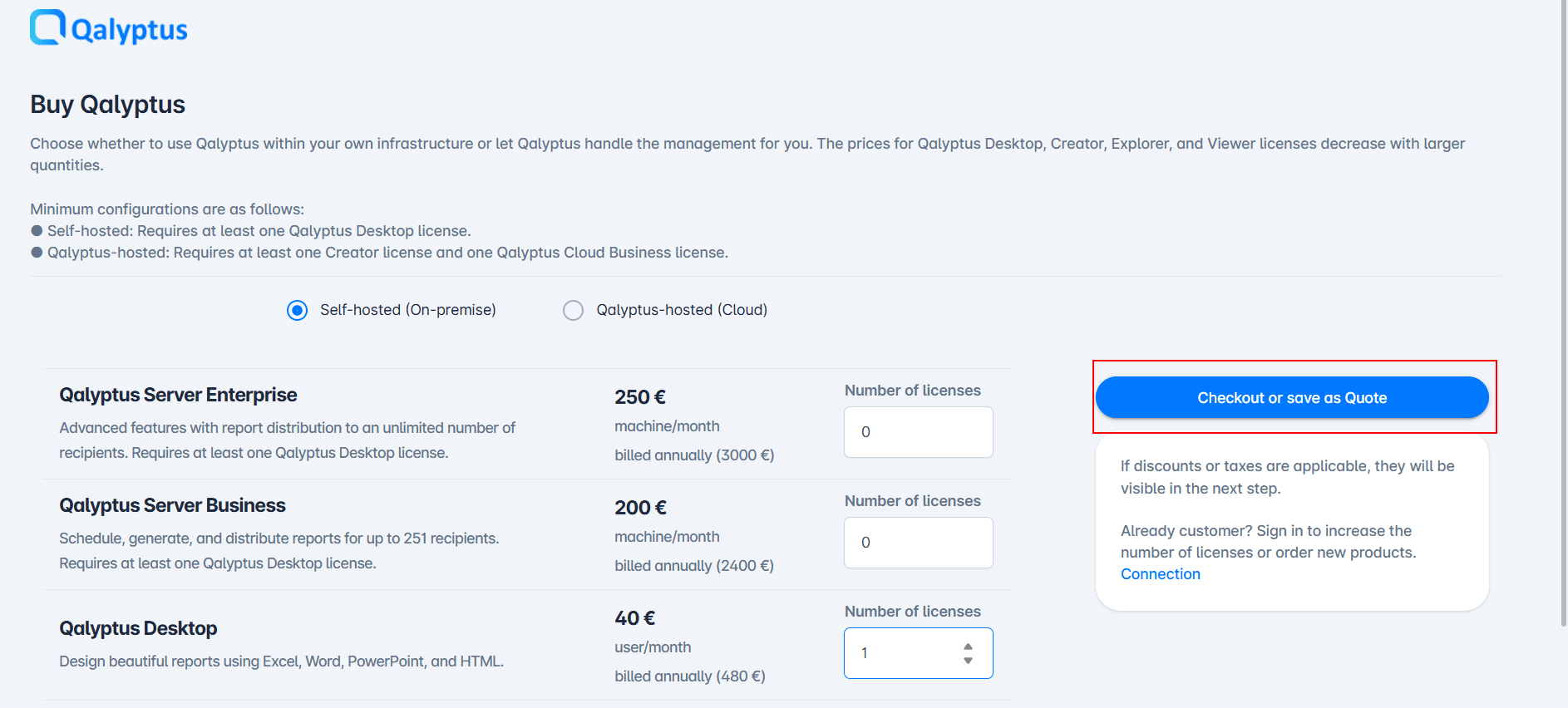
Click Checkout or Save as quote.
-
A Billing details form opens on the webstore home page. Fill in your billing information:
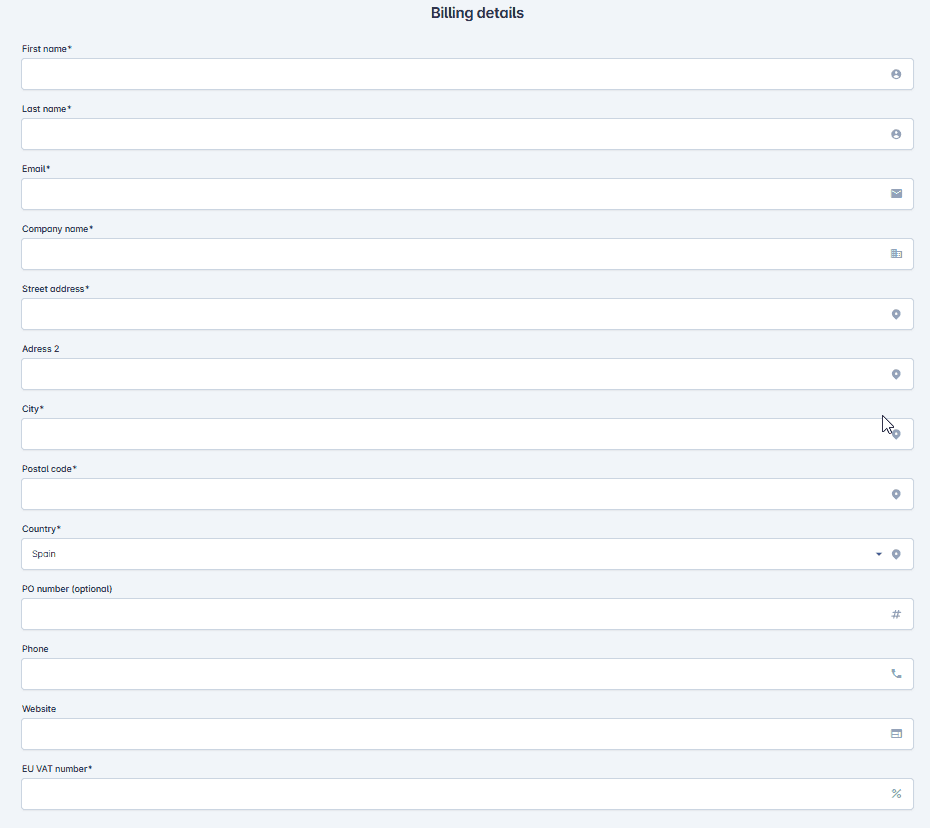
Field Required Description First name / Last name Yes Your first and last name. Email Yes The address where you will receive the order confirmation and your license keys. Company name Yes Your company's legal name. Street address Yes Your company's billing address. Adress 2 No Address line 2 (building, floor...). City Yes Your city. Postal code Yes Your postal code. Country Yes Your country, selected from the dropdown list. PO number No Your internal purchase order number. It is carried over to the invoice, which makes accounting reconciliation easier. Phone No Your phone number. Website No Your company's website. EU VAT number Yes Your EU VAT identification number (starts with the country code, e.g. FR12345678901). EU businesses are invoiced without VAT under the reverse-charge mechanism. -
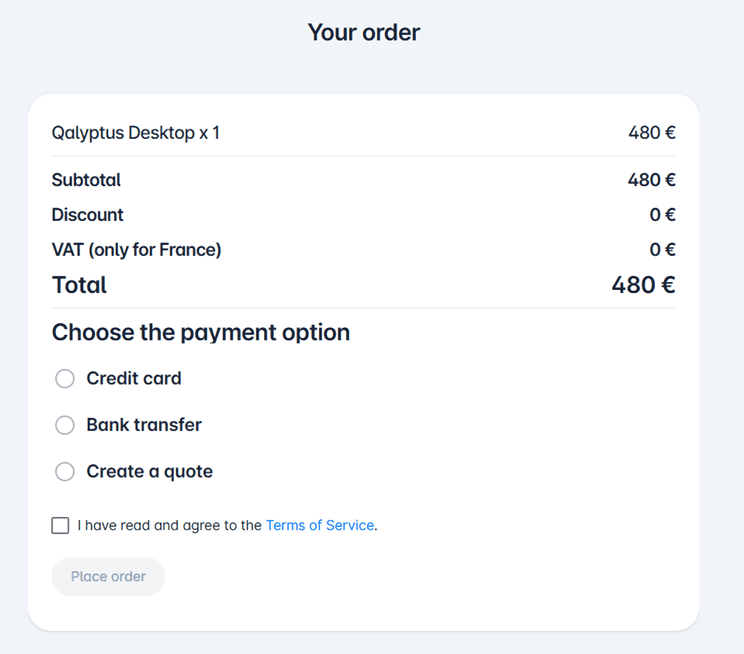
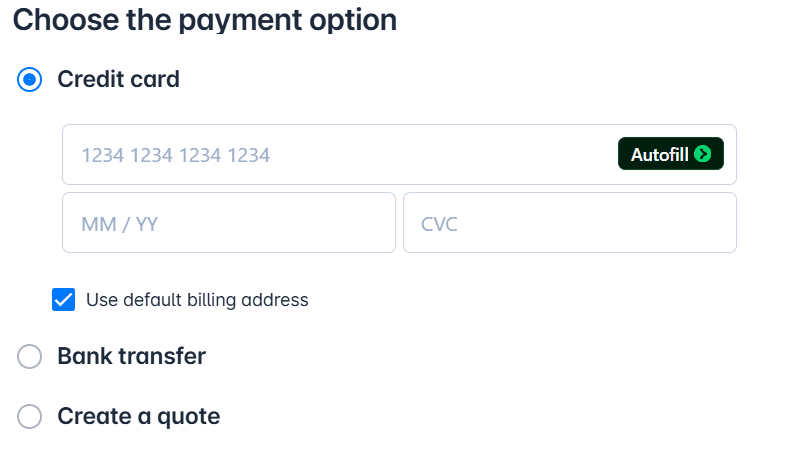
The Your order section of the page summarizes your order. Choose the payment option:
-
Credit card — immediate payment by credit card.
The secure payment form (Stripe) opens: enter the card number, the name on the card, the expiration date and the CVC (3 digits on the back of the card), then click Confirm payment.
-
Bank transfer — payment by bank transfer. Your license keys are generated after the payment is received.
-
Create a quote — creates a quote from your cart without paying immediately. Useful if the purchase needs internal approval or goes through your purchasing department. The quote can then be paid to finalize the order.
-