Create destinations
Define folders where generated report files are saved
To store your files generated by Qalyptus, you need to specify a destination when you create tasks.
To create a destination, go to the Destinations tab and click the Create button. Your screen will look something like this:
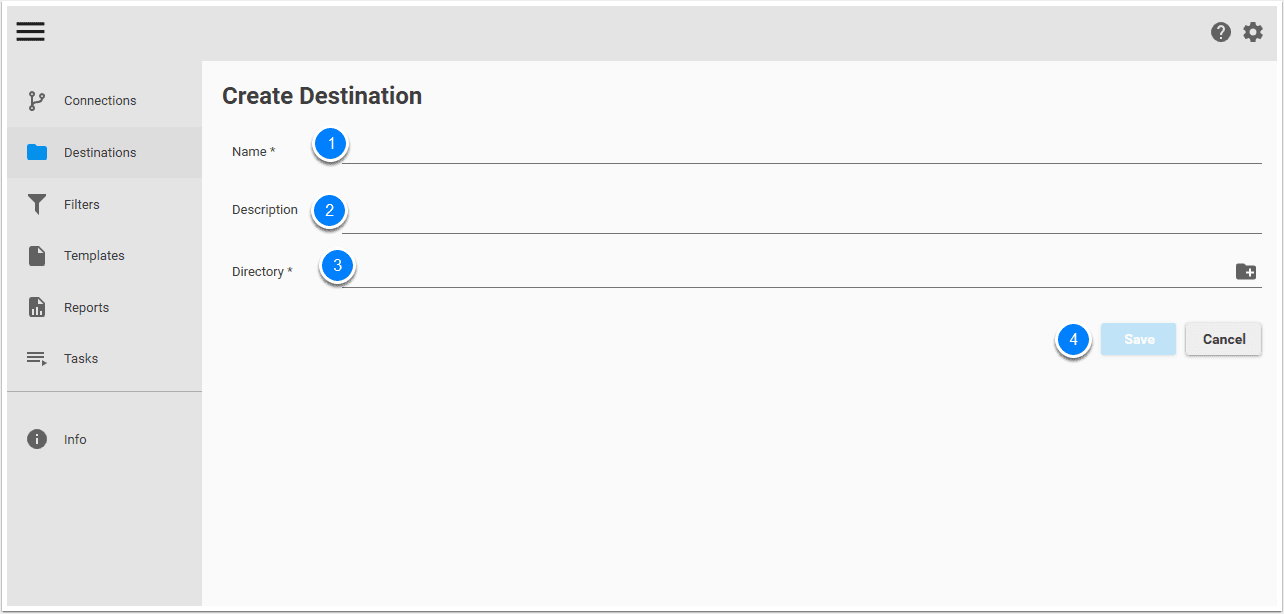
- Give a name to your destination
- It is recommended to add a description
- Choose a directory where you will store files
- Finally, click Save to create and save the destination.
Now your destination named Performance files is created and ready for use.
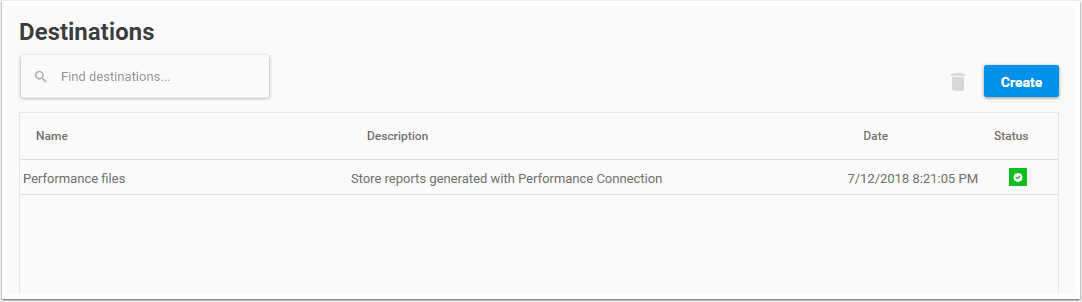
Status
A destination can have two different statuses:
- Valid directory
- Directory not exist